
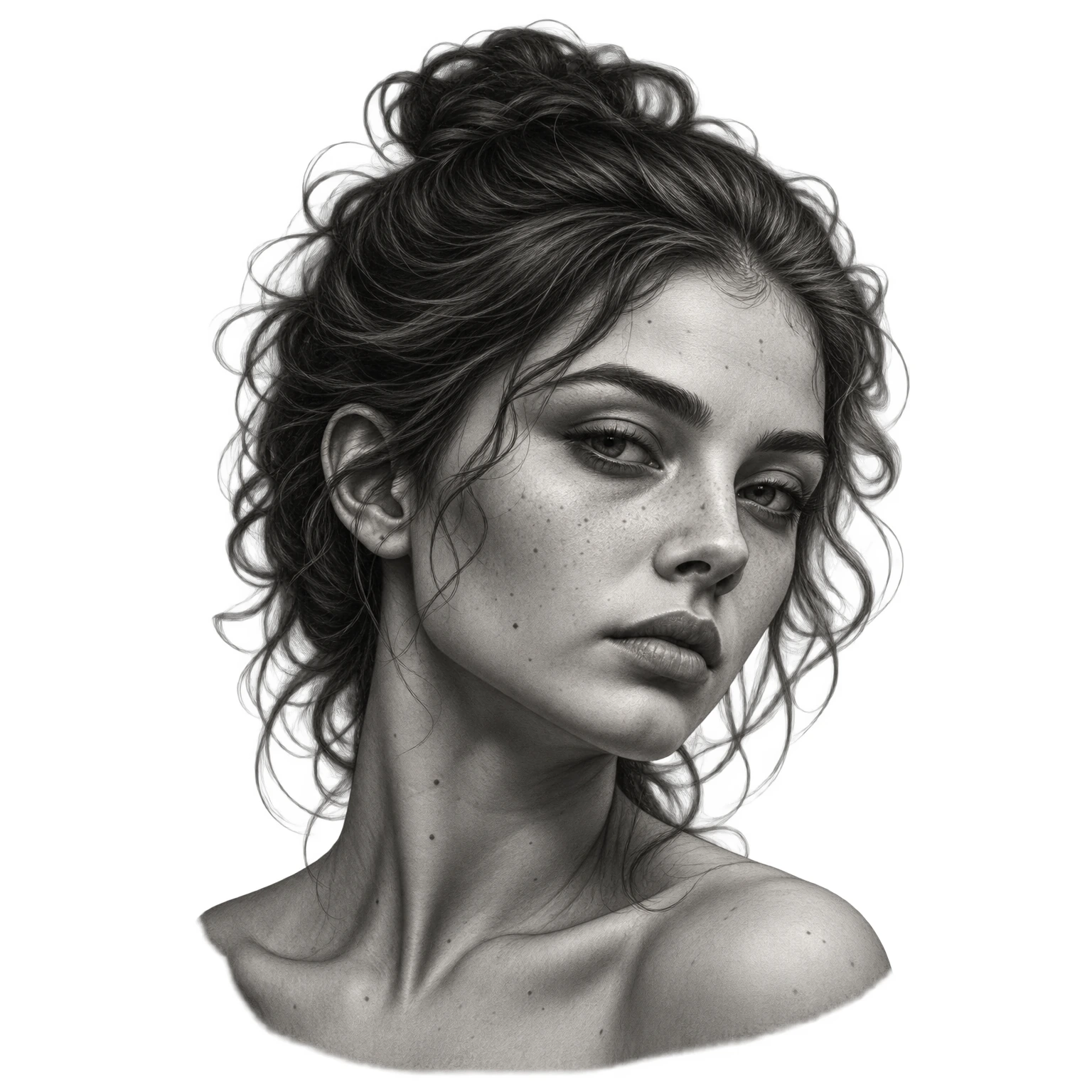
Portrait - Anatomy
Keep every expression, every detail.
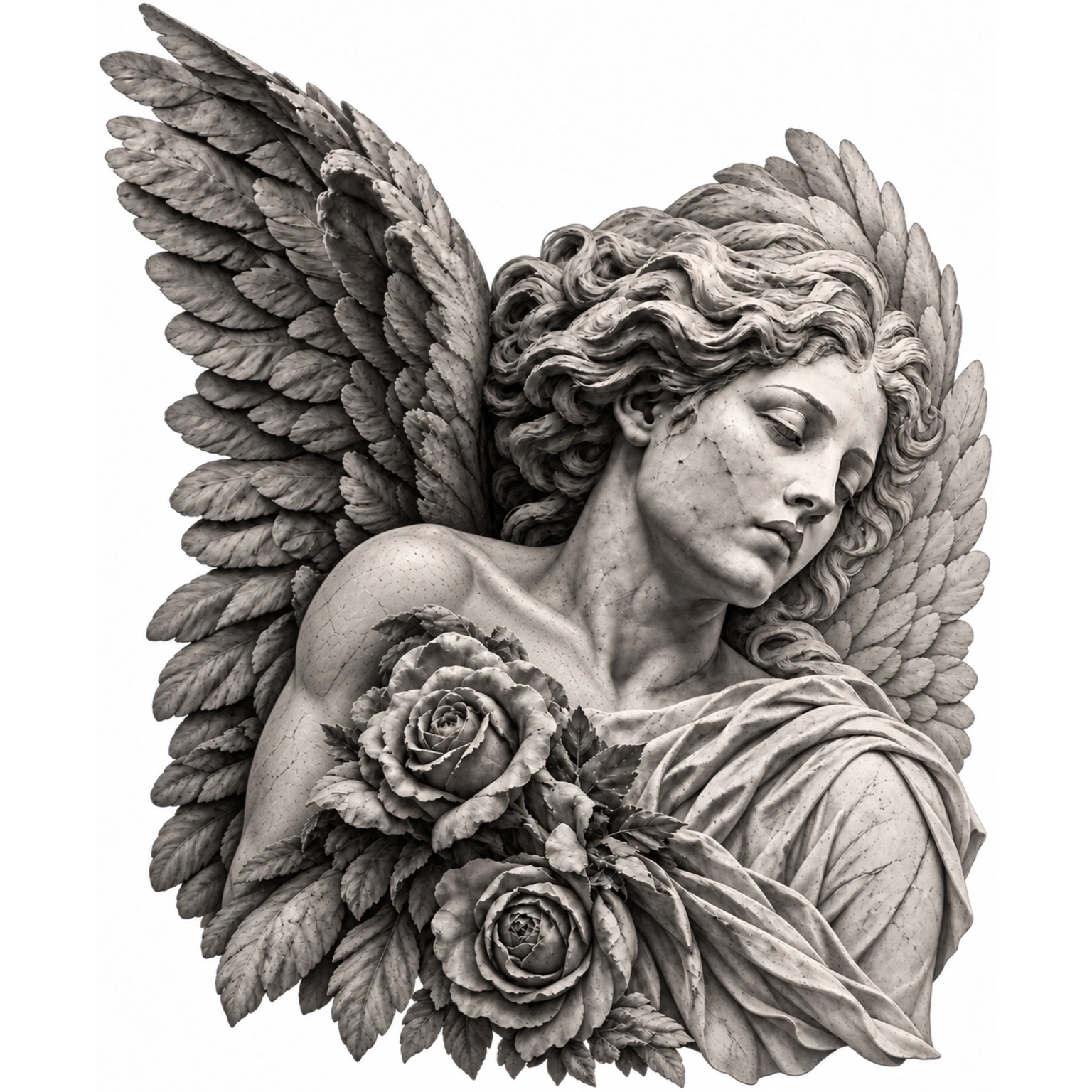

REFERENCE → STENCIL
Precision you control.
Explore actual stencils.
Keep every expression, every detail.

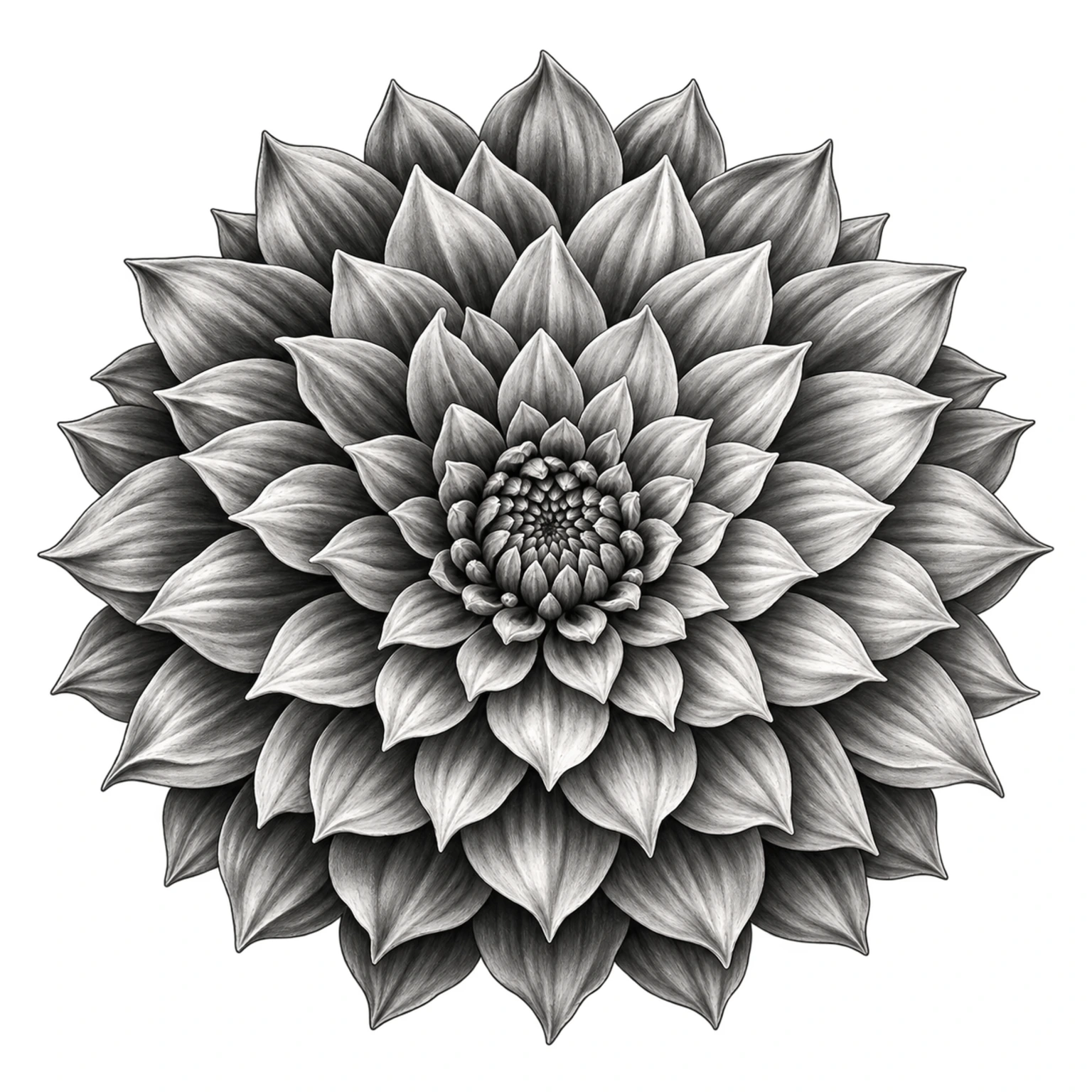
Complex designs, clean and consistent.

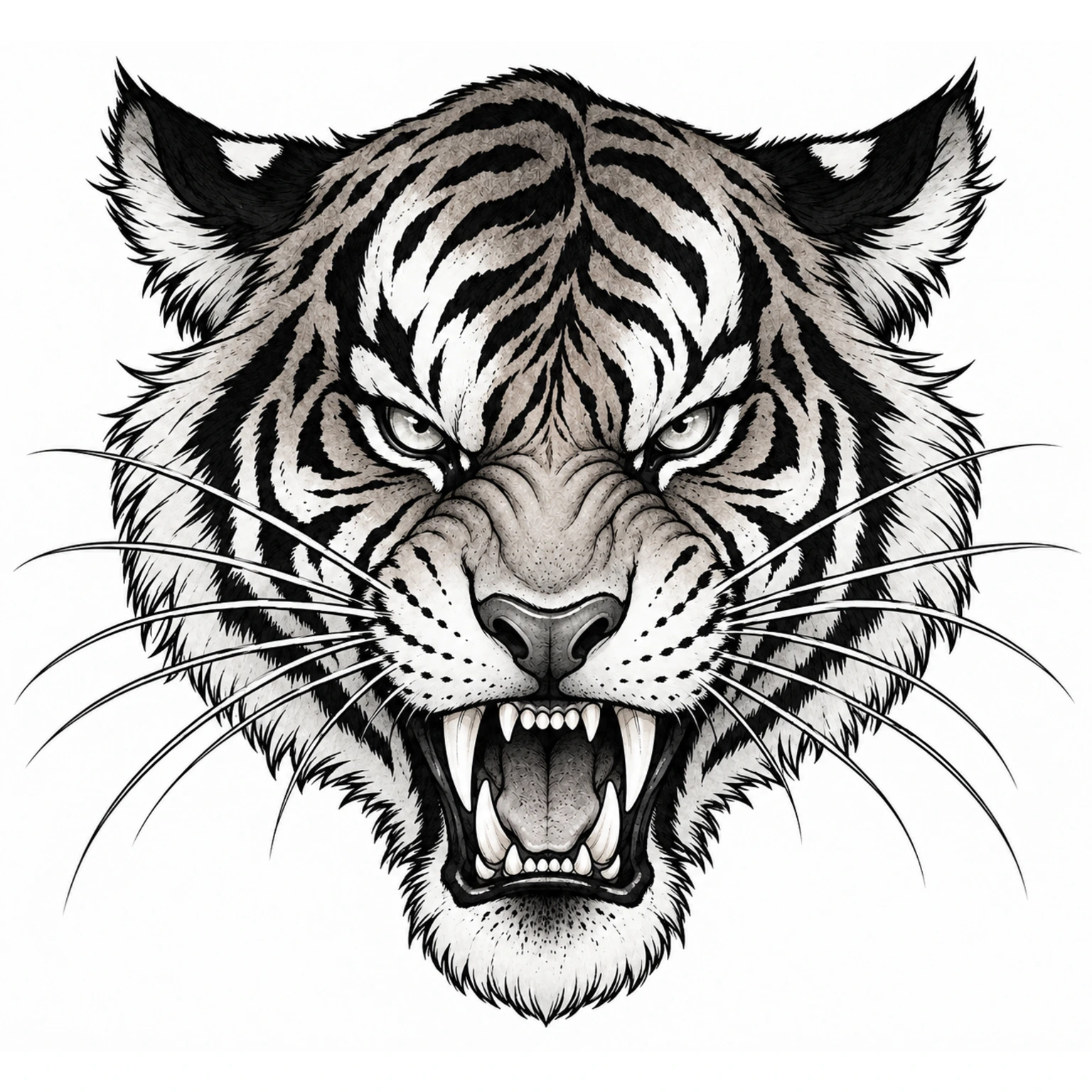
From bold to intricate, ready for your next piece.
FINE-TUNE THE FINISH
Dial in line weight, detail, and shading guides to suit your style. Compare results in image history, save your favorite settings as a preset, and export only the stencil you approve.

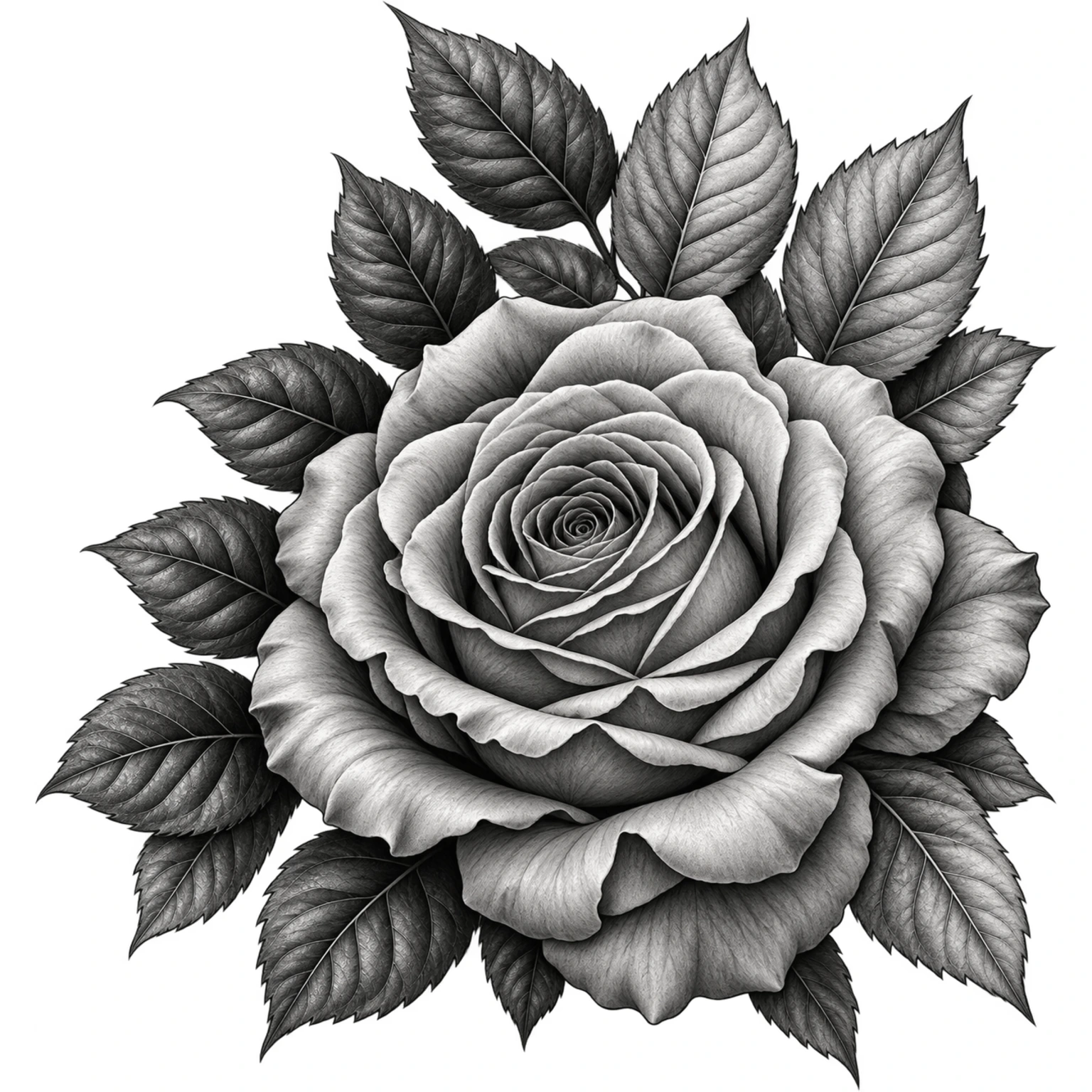
Explore tonal boundaries in your stencil.
Sample preview · Explore line weight. More detail and shading examples coming soon.
A simpler way to get from inspiration to a killer stencil fast!
Add your reference image and make it your starting point.
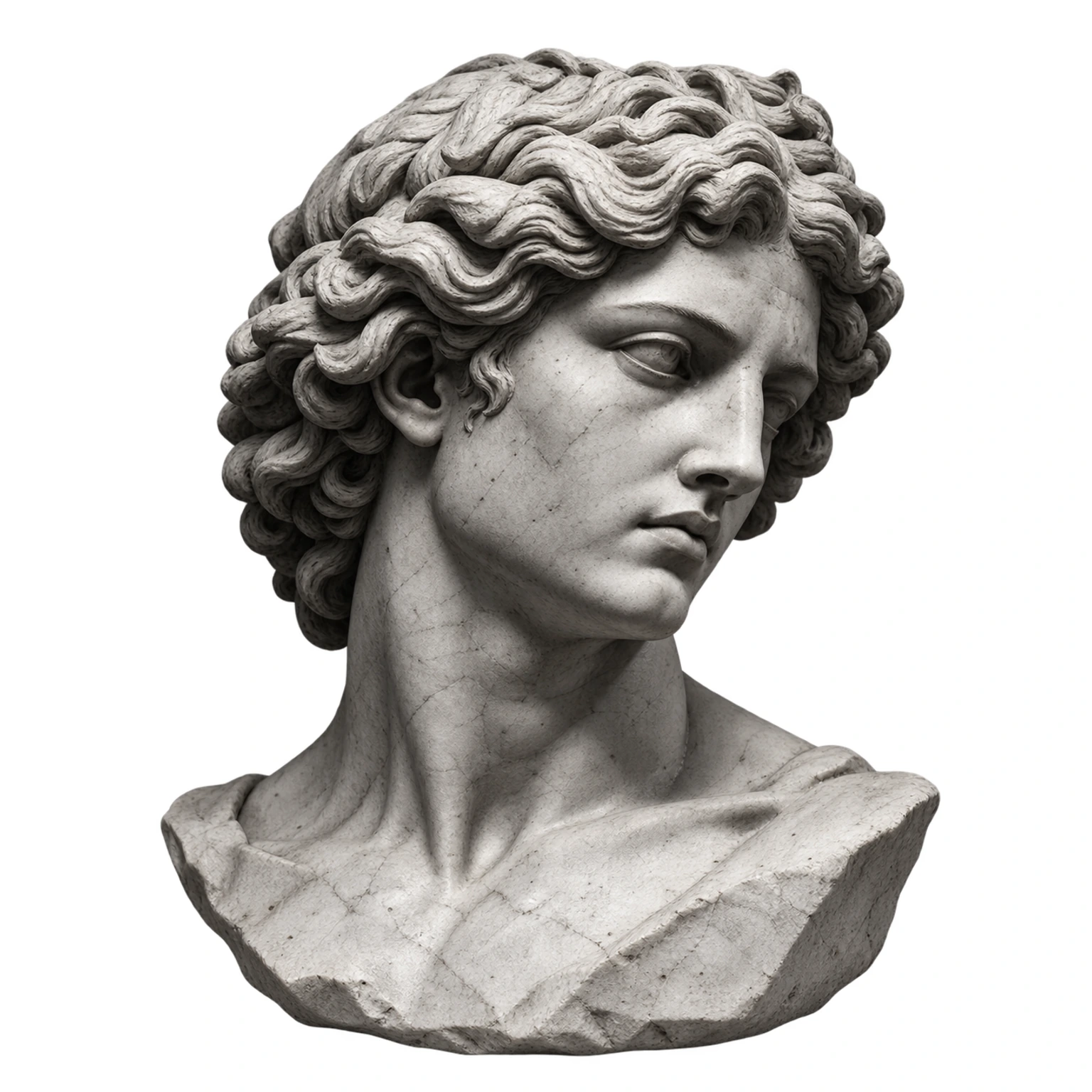
Adjust the settings to get the look you want.
Get clean linework, ready for your workflow.

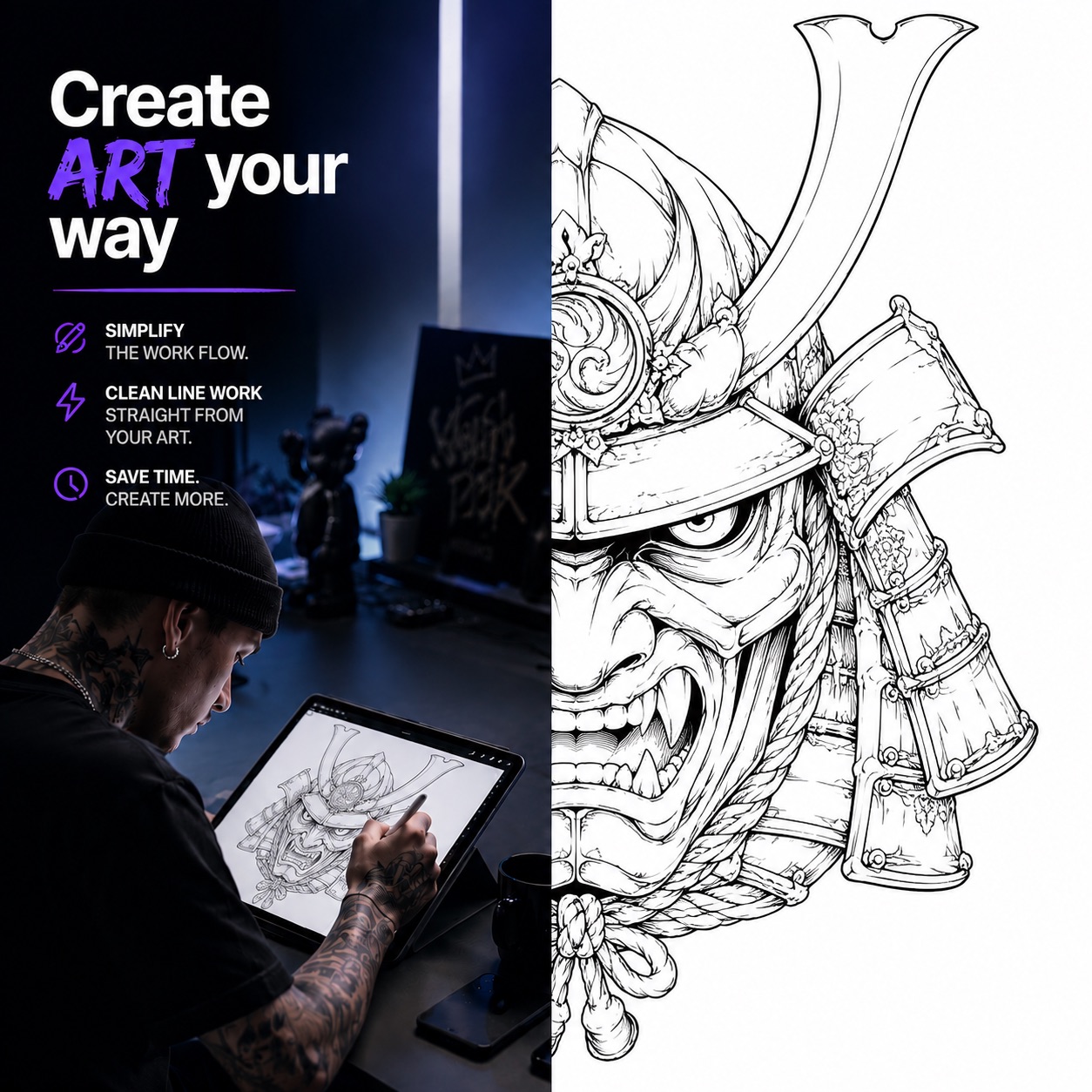
Move between devices with your work saved in the cloud. No texting images, emailing references, or AirDropping files to yourself—and no app updates to manage.
Download your reference images, overlays, and stencils, then import them into your favorite editing app. ProTrace fits right into your daily tools, so you can spend less time on prep and more time doing what you love.
Explore the workflowA real ProTrace result
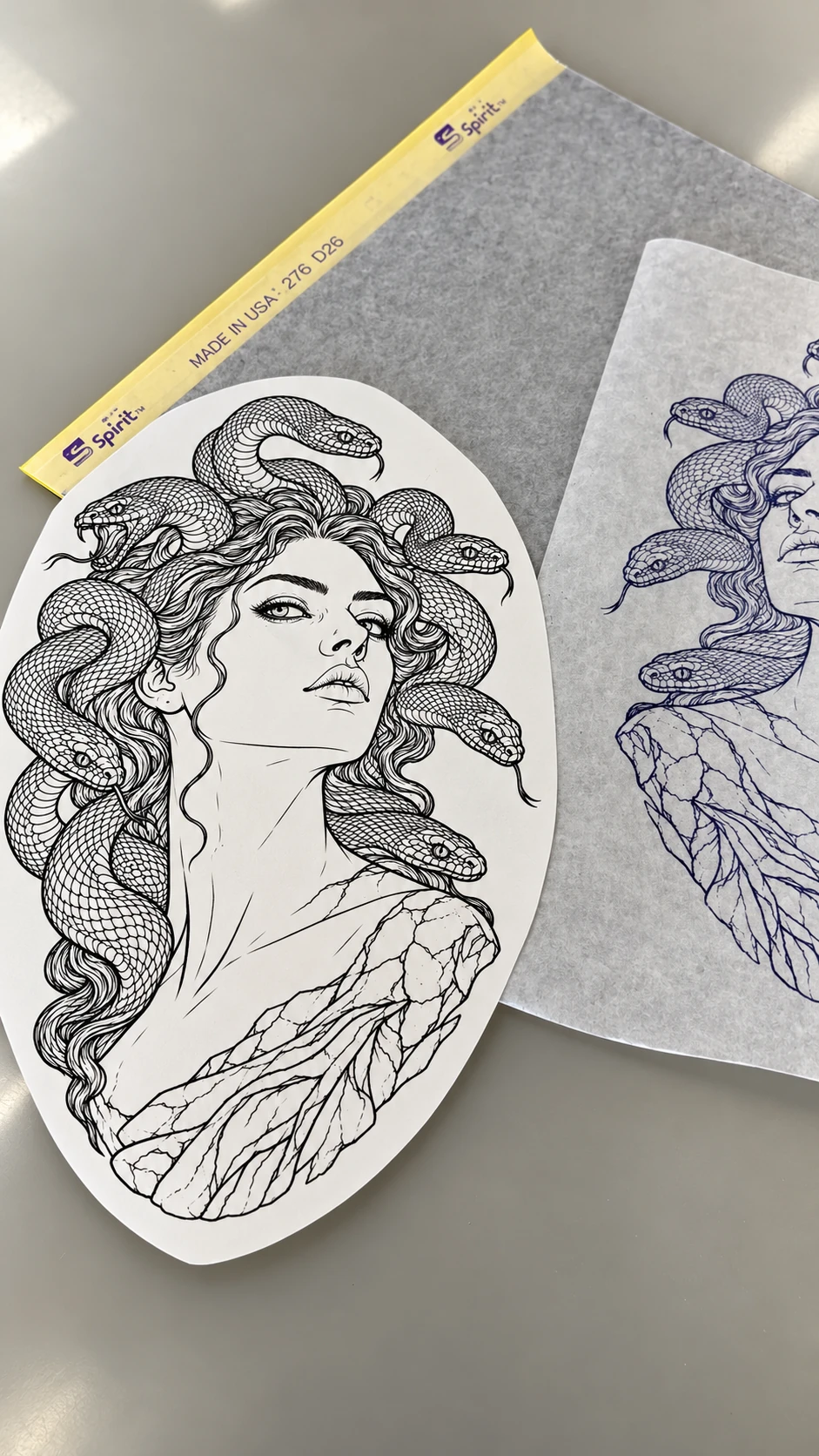
Compare your reference and stencil in ProTrace, then take your linework to paper.
Make your stencil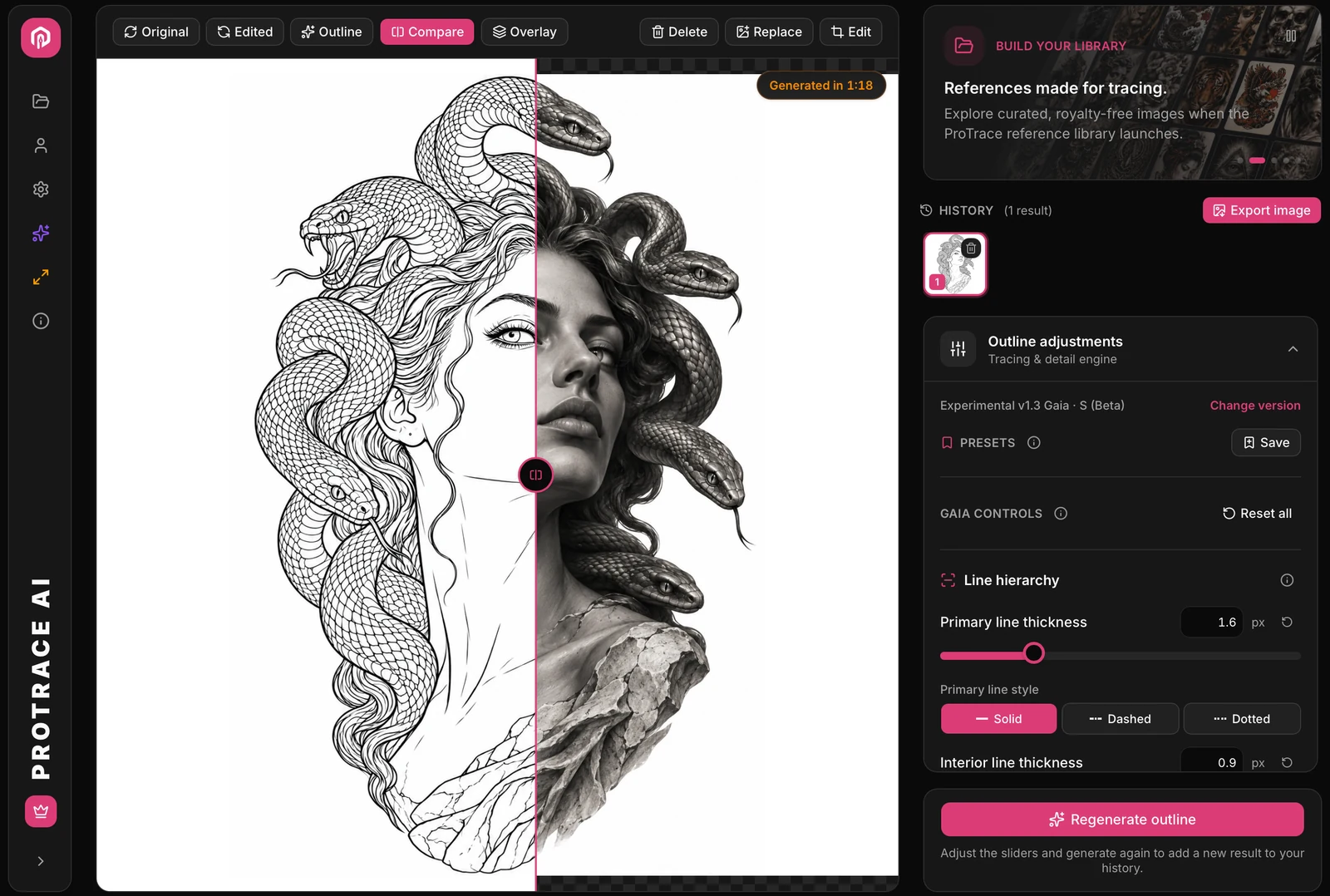
MAKE TIME FOR MORE
More time for your art. More room in your week.
tattoos per week
BACK EACH WEEK
More time to create, recharge, or make room for your next piece.
Estimate based on 30 minutes saved per detailed tattoo. Actual time saved will vary.
FROM THE FOUNDER
We built ProTrace around a simple idea: artists should have more time for the work they love.
Over decades in the tattoo industry, I’ve watched artists design in outlines from the start to save time, while wishing they had more time to develop the artwork itself.
We say: do it. Create art your way, and let ProTrace help with the preparation. You shouldn’t be burned out from tracing a stencil before the appointment even begins.
Your style. Your creativity. Clean stencils, tuned to your liking.
Founder, ProTrace AI
Quick answers to common questions.
Image history lets you tweak settings and compare results until they’re right for your style. Save your preferred settings as a preset, then export only the stencil you approve.
Yes. Try Rescale to size and position your stencil, then print straight from ProTrace. You can also export a PNG for your usual stencil workflow. Check the details and final scale before printing.
Start with a JPG or PNG photo or artwork. A clear subject and readable lighting give you a useful starting point.
Choose a credit pack or a membership with monthly credits, then pick the stencil model that fits each project. Switch between lower-cost models for simpler designs and more detailed models for larger, more intricate pieces. ProTrace shows the credit cost before you generate. Exports are free, including SD, HD, and layers where available. Visit Pricing to find the option that fits your workflow.