Photo to line art
Turn a Photo Into Clean, Detailed Line Art
A useful drawing starts by deciding which visual information matters. ProTrace helps turn a photo reference into interpretable linework while giving you control over the result.
Create your first outline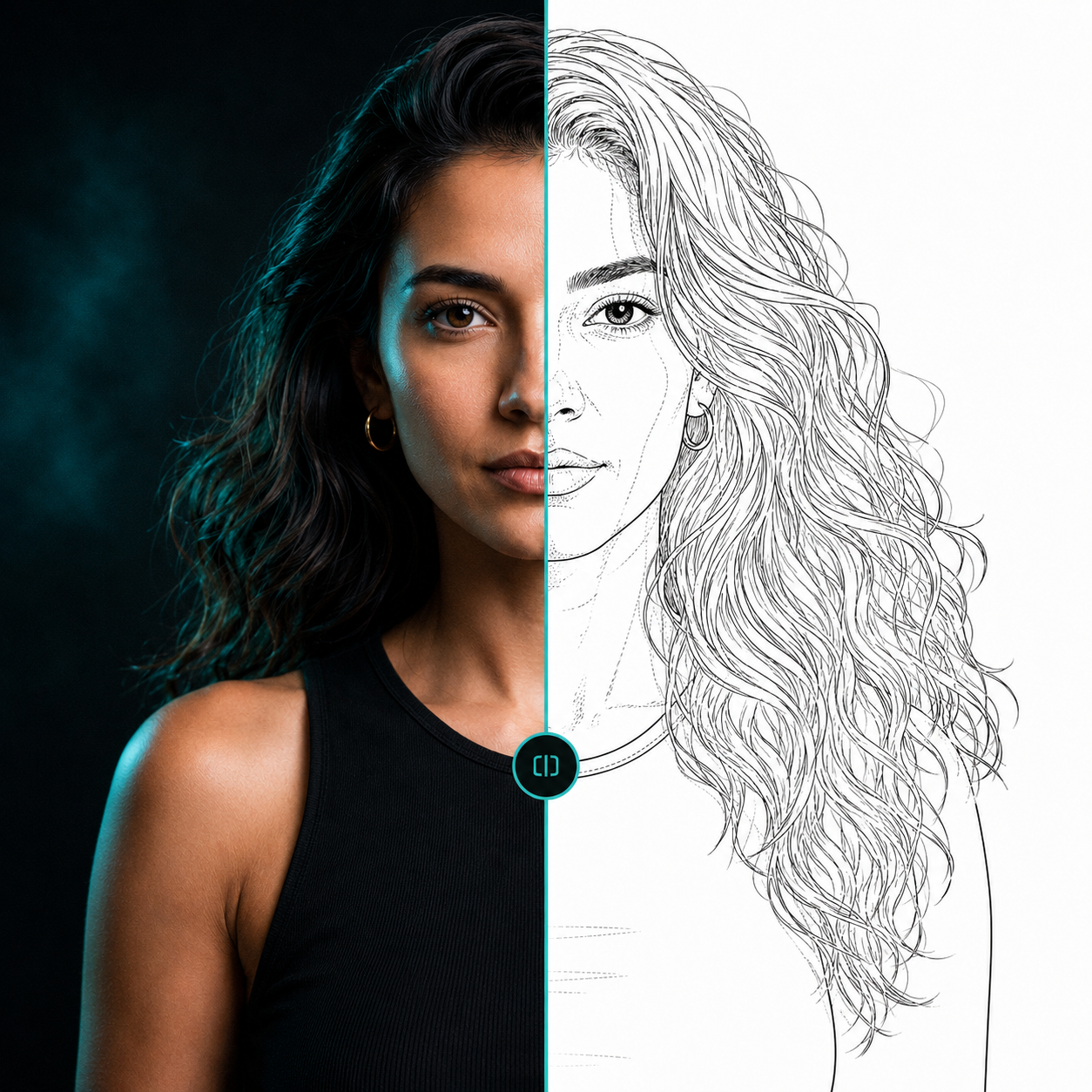 ReferenceLine-art direction
Beyond threshold conversion
Threshold tools convert pixels above or below a brightness value. Edge detectors reproduce contrast boundaries. Both can create noisy texture, broken contours, and linework with little artistic priority.
Manual tracing gives the artist total discretion, but takes time. ProTrace is an AI-assisted middle ground: it creates a line-art direction from the image, then lets you guide and inspect the amount of useful information.
Choose a strong reference
References with a clear subject, readable lighting, and enough separation between important forms generally give you a better place to start. Use the image adjustments before generating if you need to crop or improve the source presentation.
Questions, answered
Useful context before you start.
How do I convert a photo to line art?
Upload a reference, adjust the image if needed, direct the desired level of detail, generate an outline, then inspect and export the version that supports your workflow.
Is this the same as a photo filter?
No. Traditional filters focus on pixels and contrast. ProTrace is designed to generate an artist-directed line-art interpretation.
Start with your reference
Spend less time tracing and more time creating.
Related pages