Reference to linework
Turn a Reference Photo Into a Tattoo Stencil
Use ProTrace to get from a reference image to an inspectable line-art starting point, then bring your own judgment to the final preparation.
Create your first outline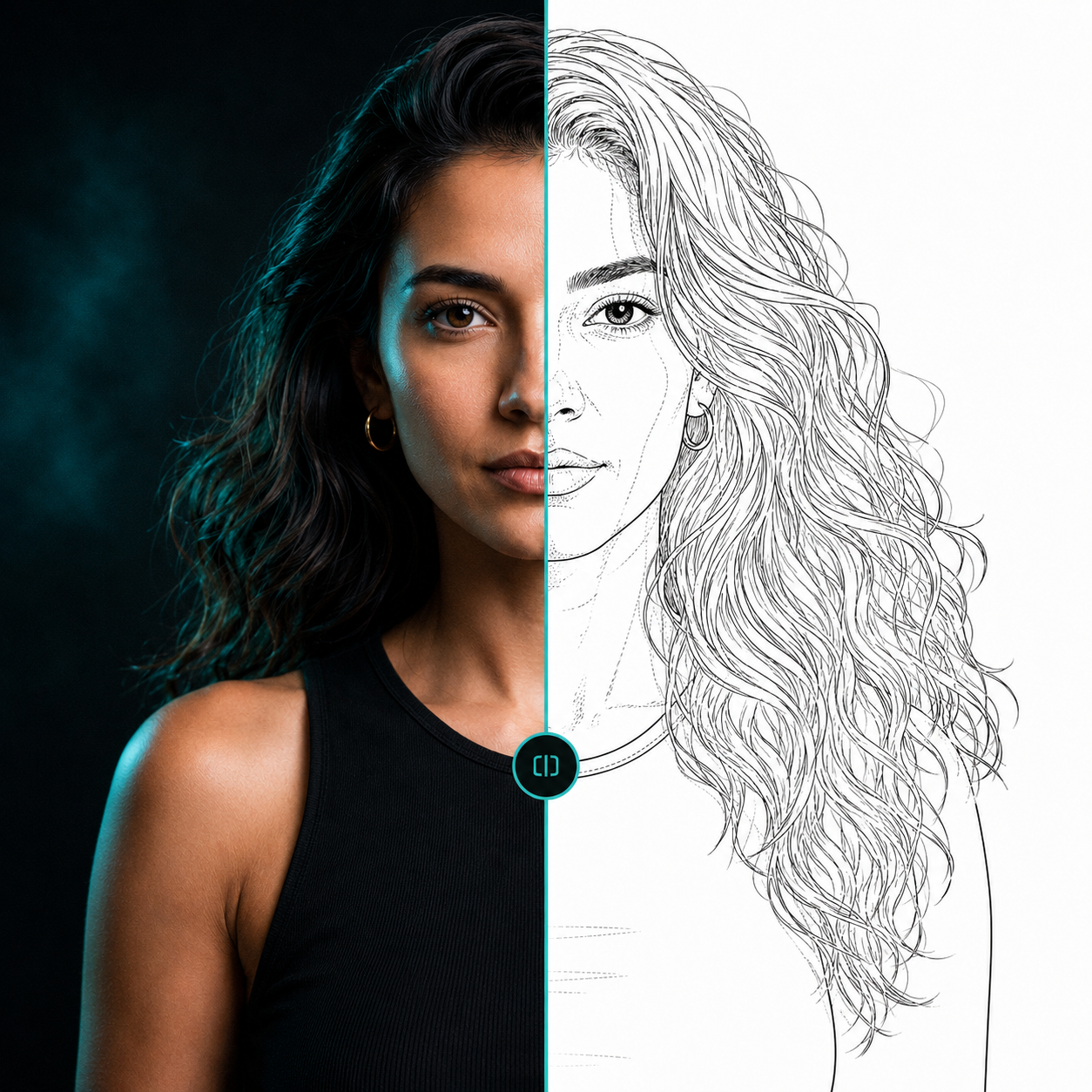 ReferenceLine-art direction
A practical workflow
1. Upload a reference image you have the right to use. 2. Adjust the image and select the desired detail and line settings. 3. Generate an outline. 4. Inspect and refine the result. 5. Download it for further artistic preparation.
A useful tattoo outline preserves the design’s important shapes without carrying over every piece of photographic texture. Your review remains essential.
Direct the result
Use the detail and fidelity controls to decide whether the tracing should favor a simpler structure or retain more supporting information. Choose a line character that makes sense for the direction you are exploring.
Questions, answered
Useful context before you start.
How do I make a tattoo stencil from a picture?
Start with a clear reference, generate adjustable linework, inspect the composition and important forms, then continue the preparation in your normal artistic process.
Should I use generated output without review?
No. AI output is interpretive and should be reviewed and prepared by the artist before use.
Start with your reference
Spend less time tracing and more time creating.
Related pages